Zero access to your messages
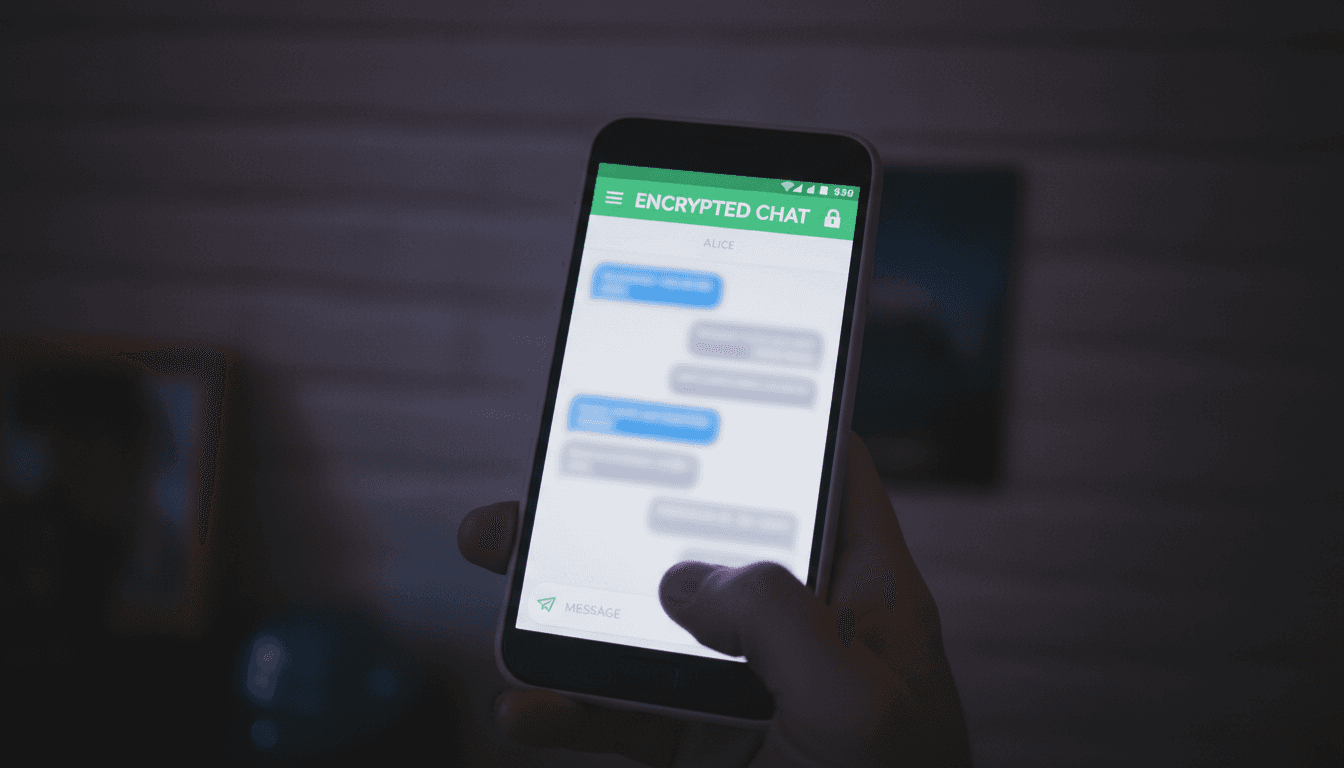
Fableapp uses end-to-end encryption by default, so we cannot read your messages, listen to calls, or see file names. The details matter.
What data does Fableapp actually see?
We collect only the bare essentials: your account creation date and device model. Message text, call details, and file names remain encrypted and invisible to us.
Your data serves one purpose: your security
We use data only to deliver Fableapp's features and keep the service secure. Nothing else. No advertising, no profiling, no selling to third parties. If it doesn't serve your privacy, we don't touch it.
Signal Protocol, SFrame, hardware-backed keys
Messages use Signal Protocol. Calls run on SFrame. Mobile keys live in hardware. These industry-proven standards back the zero-access promise with cryptography, not trust alone.
How we store your data, and how you keep control of it
We rely on encryption, not fine print. Here's how storage and your rights work on Fableapp.
Where are my messages and files stored on my device?
Your messages, calls, and files are stored only on your device, in an encrypted local SQLCipher AES-256 database. We cannot read them, and neither can anyone who gains physical access to your unlocked phone.
What data do you actually keep on your servers?
We keep a minimal log of metadata required for service delivery, such as account creation and message routing. Message content, call audio, and files are never stored on our servers. The details matter, and we document them.
How can I access all the data you have about me?
You can see all the account information we hold by navigating to Settings, then Data and privacy. There you'll find a clear view of your current account data, presented in plain language. Specific requests can be sent to email@mybusiness.com.
Can I permanently delete my data and close my account?
Yes. Deleting your account from Settings immediately destroys your encrypted local database and removes your account from our server records. This action is permanent and cannot be undone, so be certain before you confirm.
Can I export my data and take it to another app?
You can export your message history and files at any time from the Data and privacy settings. This produces a standard, readable format that you can back up locally or migrate to other services, so you are never locked in.
Still have questions?
We'll give you a straight answer. Reach out and we'll get back to you.
Contact us directly
We don't run trackers or ad networks. Policy updates will be posted here and communicated via the app. Have a question? Reach out.